
· StromHold Technologies · AI · 2 min read
Bringing Azure OpenAI into regulated business workflows
AI in a regulated environment is less about the model and more about the guardrails around it. Here is how we add Azure OpenAI to workflows without losing control of data or decisions.
Every team we work with wants to know where AI fits into their operations. In a regulated environment — finance, legal, HR — the question is sharper: how do you use a large language model without leaking data, inventing facts, or making decisions you cannot explain?
The answer is that the model is the easy part. The value, and the safety, live in the guardrails around it.
Ground the model in your own content
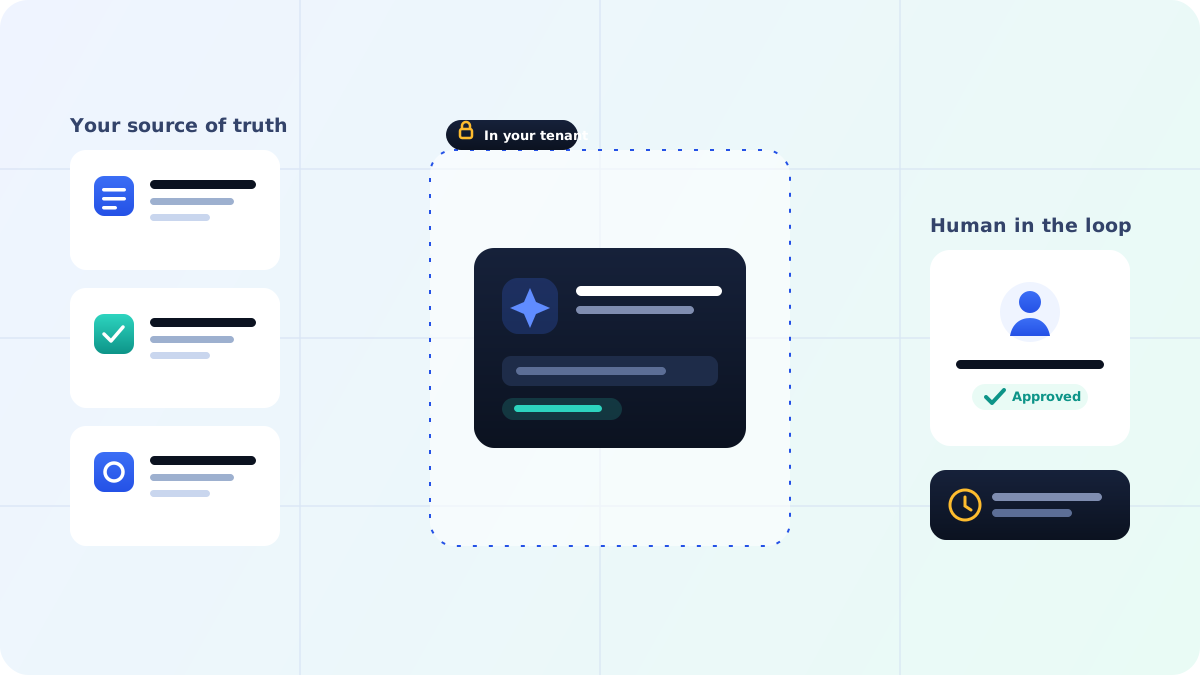
A general model knows a lot about the world and nothing about your policies. On its own, that makes it confidently wrong. We use Azure AI Search to ground responses in your actual documents — policies, playbooks, prior decisions — so the assistant answers from your source of truth rather than from its training data. This pattern, retrieval-augmented generation, is what turns a clever demo into something a regulated team can rely on.
Keep data inside your boundary
Azure OpenAI runs inside your Azure tenant. Prompts and documents are not used to train the underlying models, and data stays within the region and compliance boundary you choose. For teams with UK or EU data residency requirements, that distinction is not a detail — it is the whole reason the deployment is viable.
Keep a human in the loop where it matters
AI drafts; people decide. A communication assistant can write a policy-aware response in seconds, but the person sending it stays accountable for it. For anything that carries real consequence, the workflow routes the AI’s output to a human for review before it goes anywhere. The assistant removes the blank page, not the judgment.
Log everything
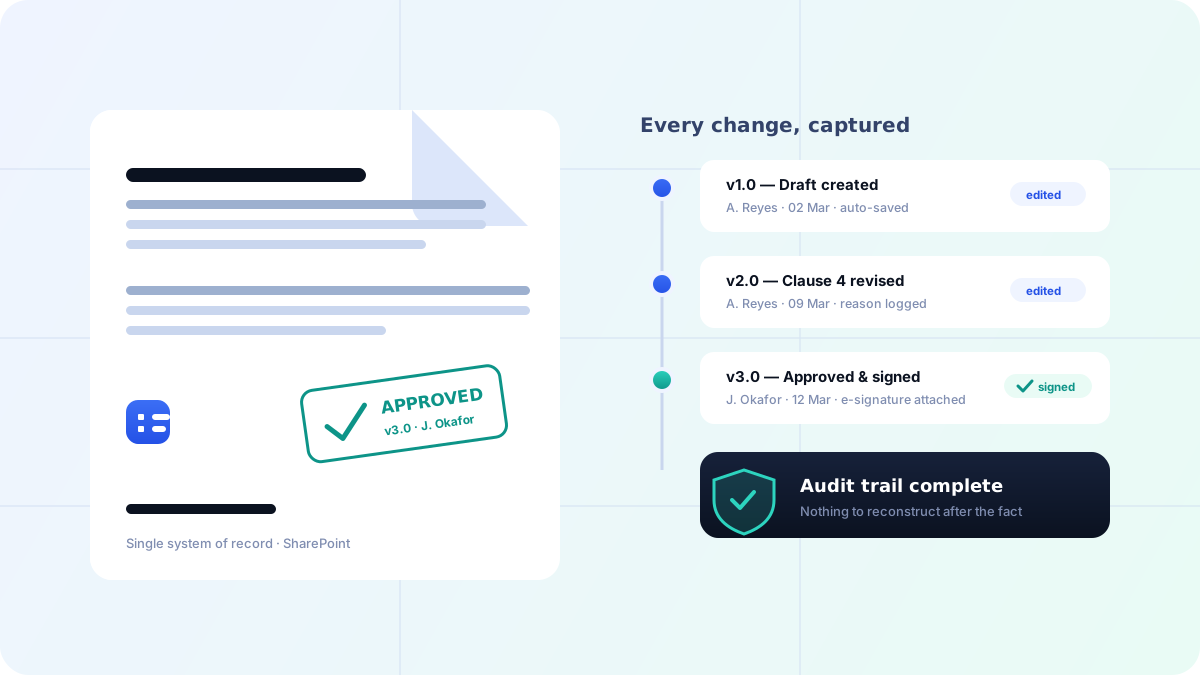
Every AI-assisted action is logged: what was asked, what was retrieved, what was generated, and who approved it. That audit trail is what makes the difference between an interesting experiment and a system that survives a compliance review.
Start narrow
The teams that succeed with AI do not try to automate everything at once. They pick one high-volume, low-risk task — drafting routine responses, summarizing long documents, surfacing the right policy — prove it works, and expand from there.
Used this way, Azure OpenAI is not a leap of faith. It is a controlled addition to a workflow you already trust, doing the repetitive drafting and lookup work so your people can spend their time on the decisions that actually need them.